


Foli
A home for your creative work.
Keep images, video, credits, and project records together. Turn the same organized work into portfolios, presentations, and social posts.
Available now · Mac

Organize the work. Then put it to use.
A private creative archive that carries its context into everything you make.
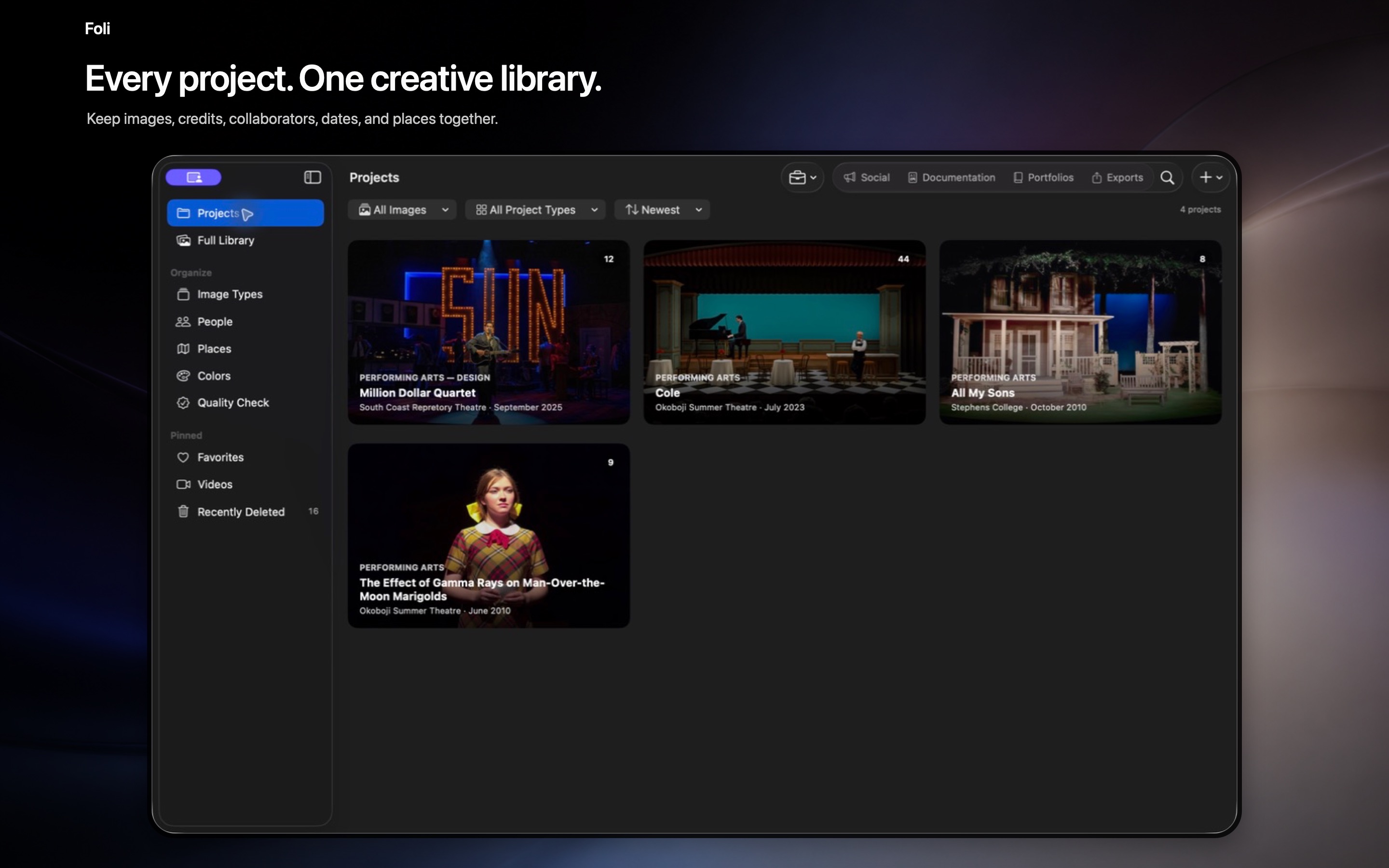
Keep each project together.
Photos, video, collaborators, dates, venues, credits, and usage rights stay connected to the work.
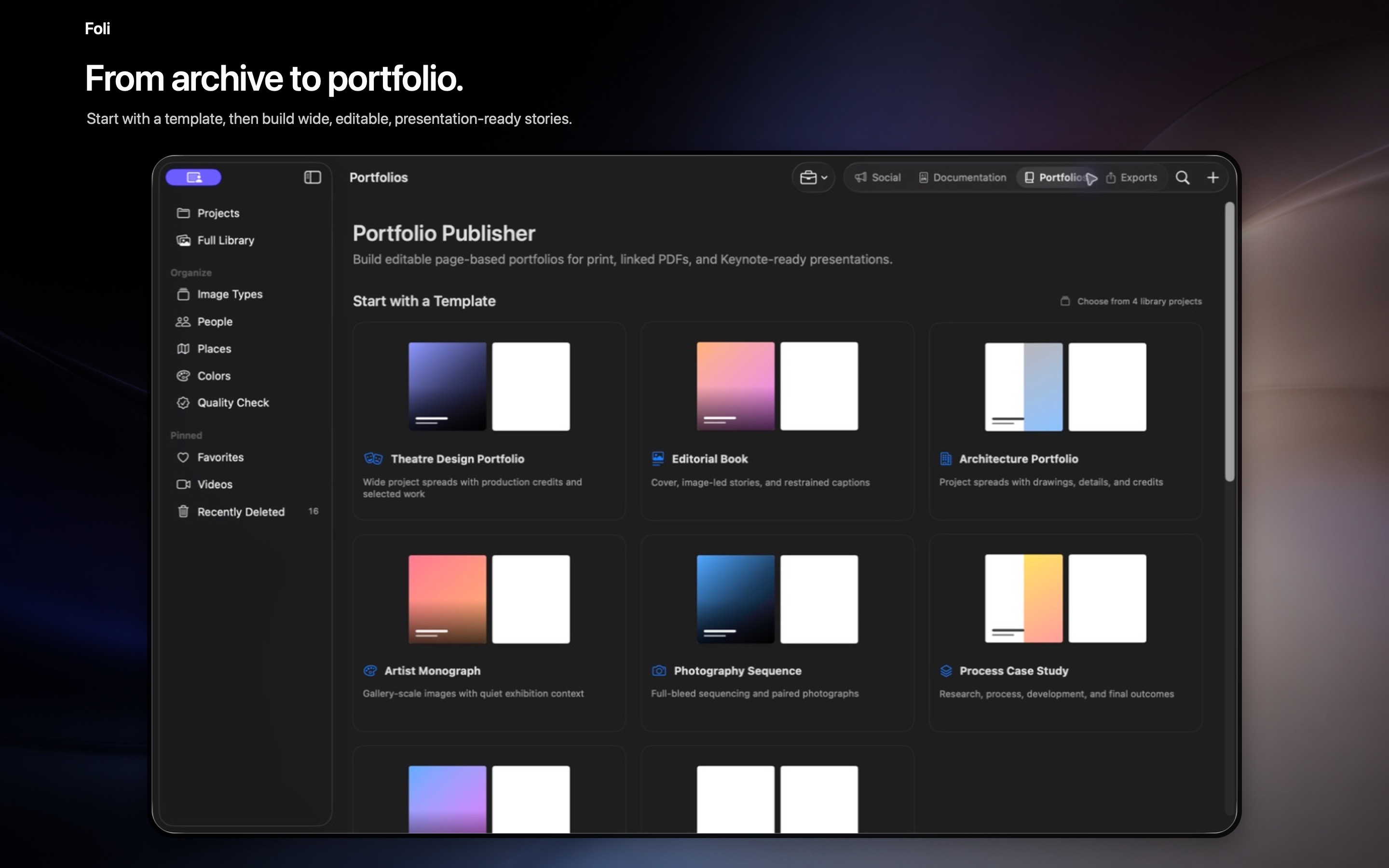
Make something you can share.
Build editable portfolios and presentations from the assets and project information you already organized.
What you can do.
Creative profiles
Manage different roles and bodies of work in one library.
Social Studio
Create posts, carousels, and Reels with media, type, graphics, audio, and timing.
Documents & outreach
Reuse project records in résumés, career documents, and Apple Mail drafts.
Private storage
Managed originals can live in Foli’s private iCloud space, with edits under your control.
Frequently asked questions.
Where do I find instructions inside Foli?
Choose Help > Foli Help to search task-based instructions for the workflow you are trying to complete.
Does Foli change my original photos?
Foli imports only the photos and files you select from Photos or Finder and never modifies the Apple Photos original. Release builds keep full-resolution managed originals in Foli’s app-specific iCloud Documents workspace and can optimize local storage.
Does Foli publish directly to social media?
Social Studio creates portable media but does not publish directly to a social network. Reels can include multiple clips, overlays, audio, captions, timeline frames, trimming, timing, and transitions.