


PaintHex
From digital color to a useful paint plan.
Compare commercial colors, develop Rosco mixes, estimate quantities, and prepare paint sheets for the shop.
Available now · Mac

Match a product. Build a mix.
Two focused workflows, with the project information kept together.
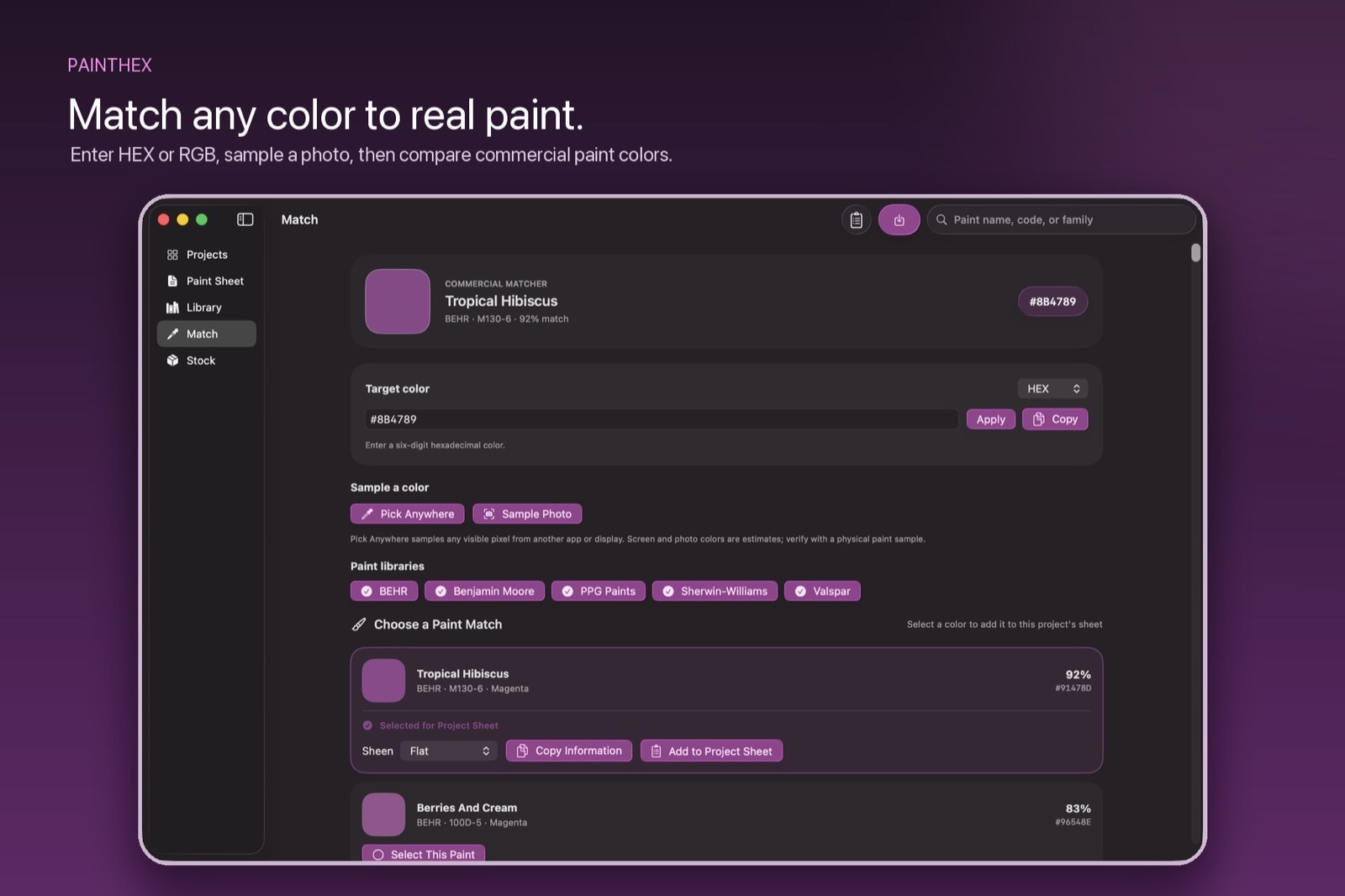
Find a commercial match.
Enter HEX or RGB, sample a photograph, or pick a color on your Mac. Compare against bundled manufacturer libraries and save the selected name, code, and sheen.
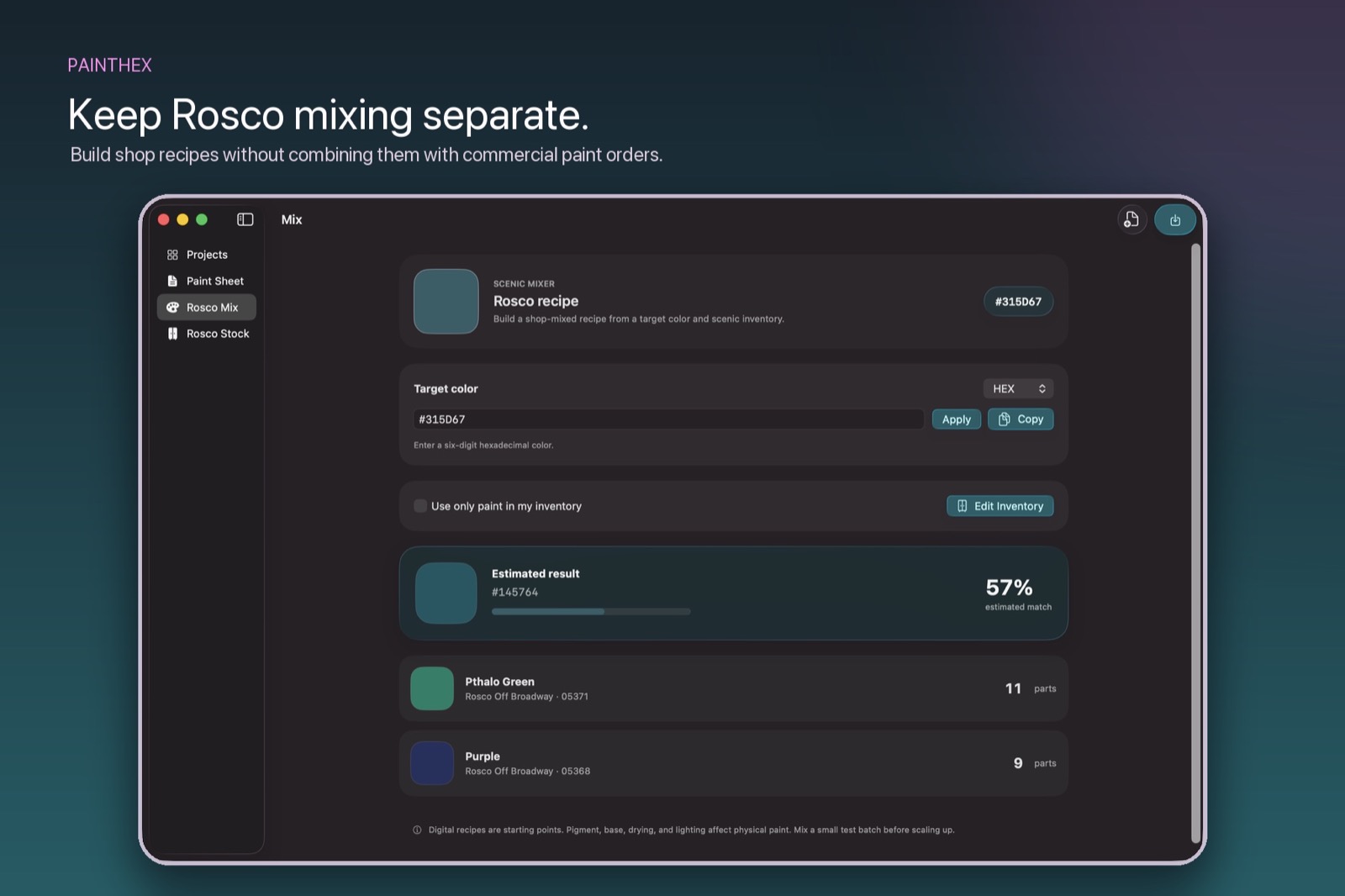
Mix from scenic stock.
Develop an Off Broadway formula, limit it to the colors on the shelf, and scale the recipe to the quantity you need.
What you can do.
Paint-sheet handoff
Export colors, scenic labels, sheen, quantities, and notes in a clear PDF.
Quantity planning
Estimate from surfaces, coats, coverage, waste, and openings—or enter a known amount.
Shop inventory
Keep purchased paint and Rosco stock separate, with units, locations, and low-stock signals.
Physical samples
Use digital matches as a starting point, then evaluate a dried sample under the intended production light.
Frequently asked questions.
How should I verify a paint match?
Screens, cameras, lighting, paint bases, sheen, and physical surfaces can all shift a color. Treat every PaintHex match as a planning reference, then verify it with a fully dried sample under the intended production light.
How does project sync work?
PaintHex uses your private iCloud account for supported project data. Confirm that iCloud is enabled for PaintHex and that each device uses the same Apple Account. Sync timing can depend on the connection and iCloud availability.
Is PaintHex affiliated with the paint manufacturers?
PaintHex is an independent planning tool and is not affiliated with or endorsed by the paint manufacturers represented in its reference libraries. Products and specifications can change, so confirm the final order with the supplier.