


ModelUSD
Get your 3D models ready for the next step.
Open, inspect, resize, repair, and export compact USDZ files in one focused Mac app.
Available now · Mac
Open. Check. Correct. Export.
Essential fixes for downloaded models, with every change visible.
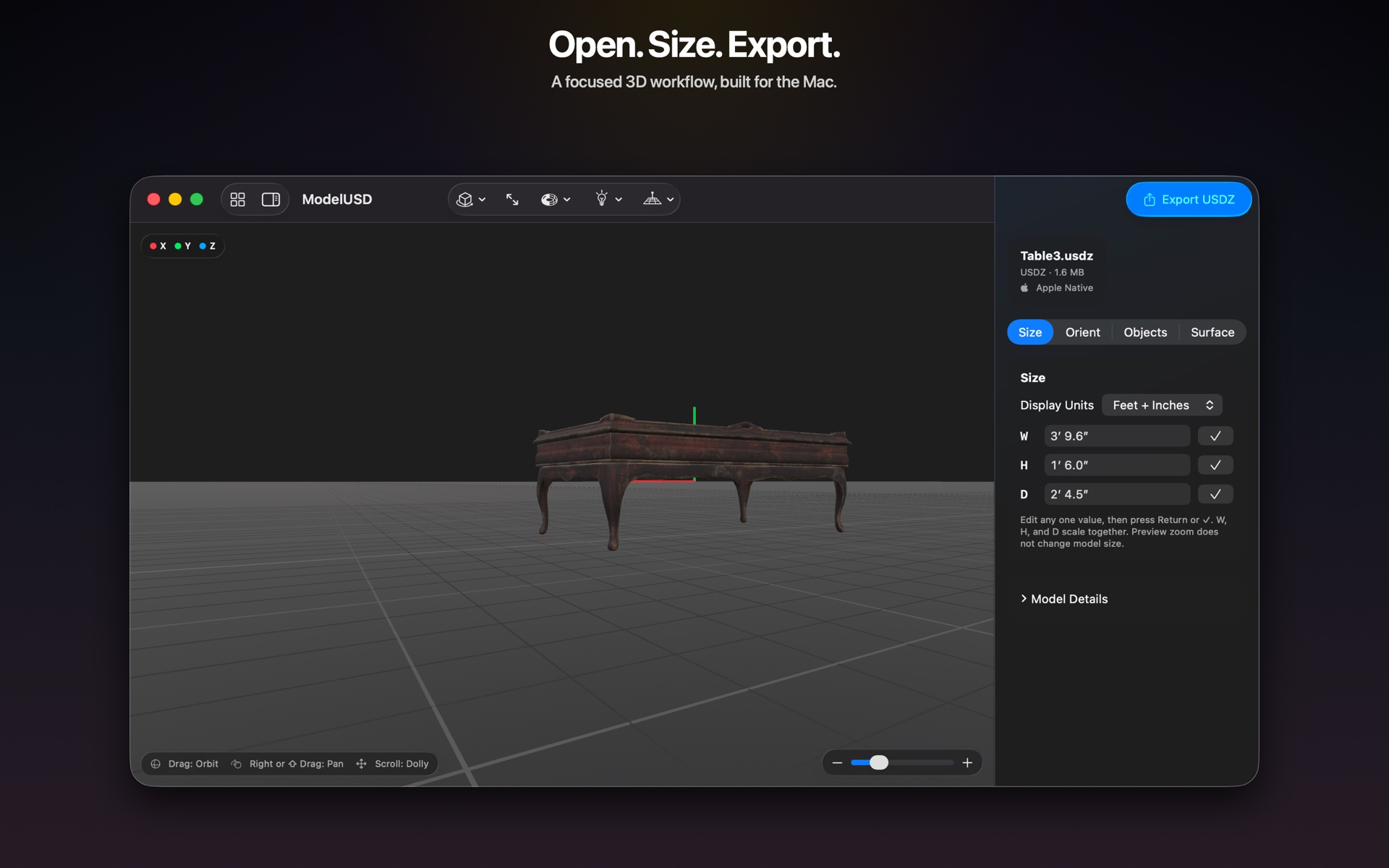
Check the model before you use it.
Inspect dimensions, orientation, objects, materials, and textures. Scale proportionally in familiar measurements and keep the original file untouched.

Inspect the model in 3D.
Rotate this sample to explore it. ModelUSD offers shaded, textured, solid, and wireframe views for checking your own files.
What you can do.
Flexible imports
Open USDZ, USD, GLB, glTF, FBX, and OBJ files.
Useful corrections
Place the model on the floor, fix orientation, replace textures, and remove unnecessary parts.
USDZ export
Choose Original, Balanced, or Smallest quality for the next project.
Frequently asked questions.
Which model files can I open?
ModelUSD opens USDZ, USD, GLB, glTF, FBX, and OBJ files. Native SketchUp files should first be exported from SketchUp as FBX, OBJ, GLB, or another supported format.
Will converting to USDZ always reduce file size?
Converting to USDZ does not automatically make every model smaller. Geometry and texture resolution still matter, so ModelUSD offers Original, Balanced, and Smallest export choices.
Does ModelUSD change my original file?
Imported models are opened as local working copies. The original source file remains unchanged.