
 ModelUSD
ModelUSD Features
ModelUSD keeps the model large, the controls focused, and every change visible before export.

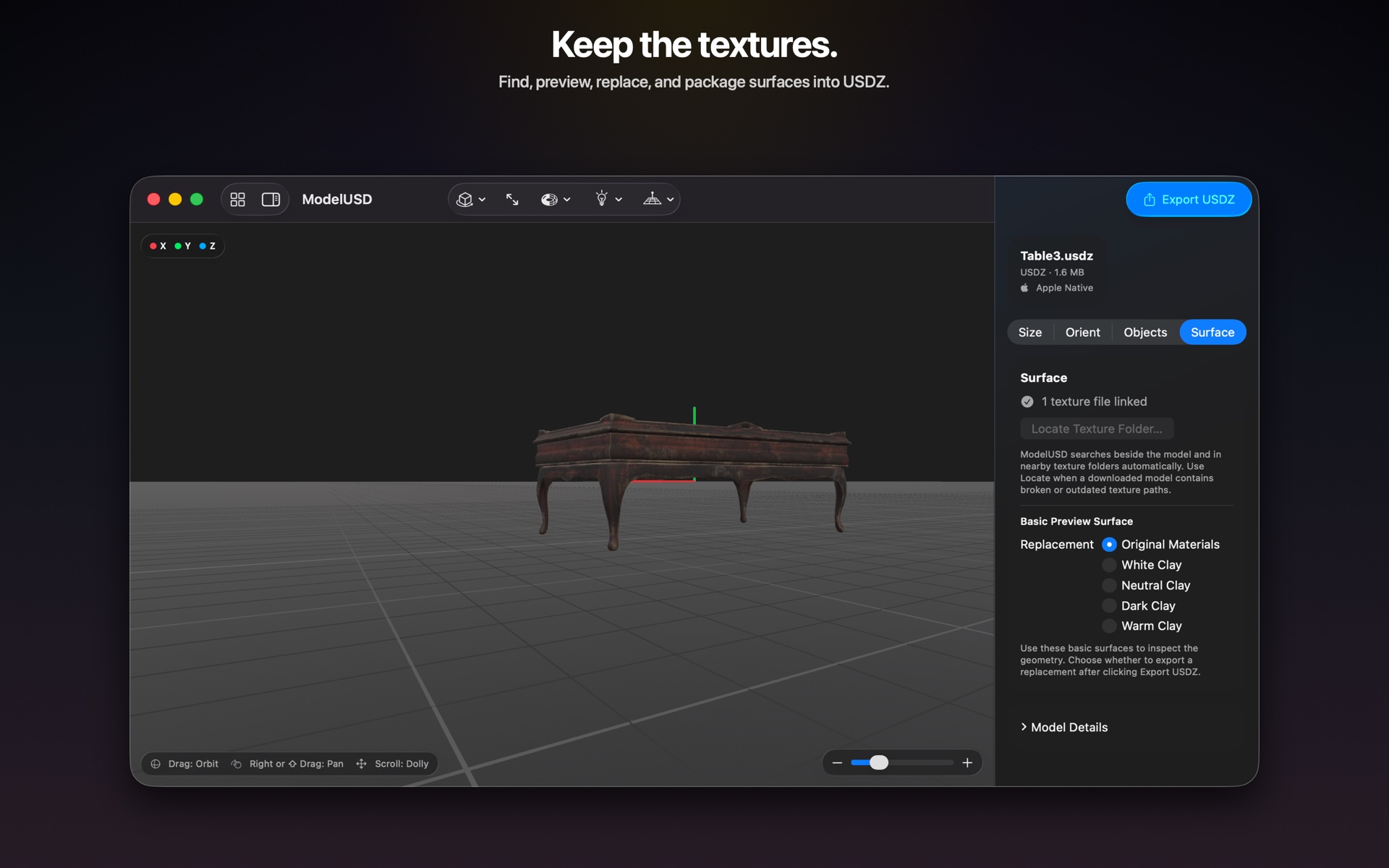
Surface
Bring missing textures back into view.
ModelUSD identifies included textures, searches for referenced image files, and lets you attach replacements manually. Updated surfaces are packaged with the exported USDZ.
Real-world scale
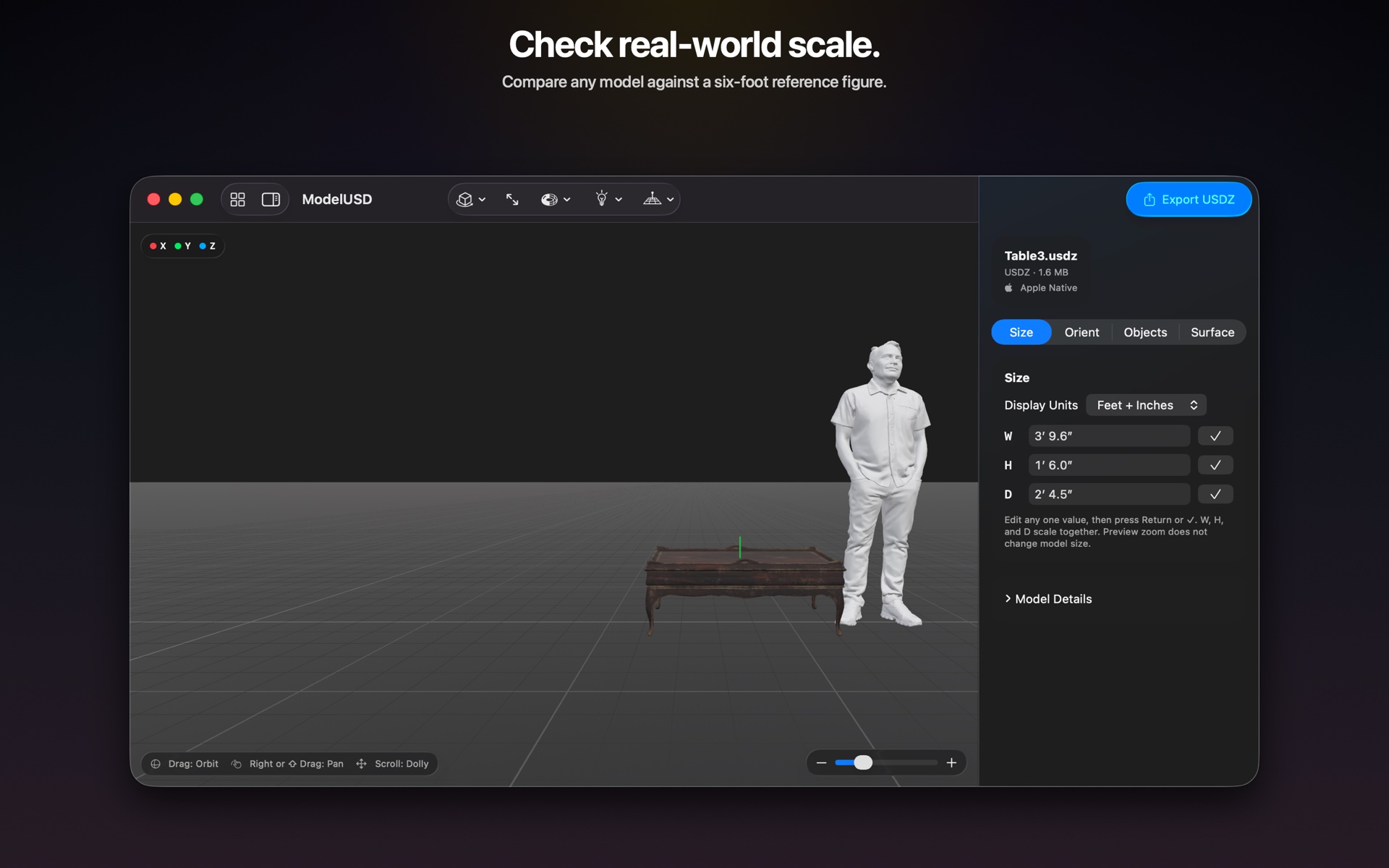
See whether the model feels right.
Add an optional six-foot reference figure to judge furniture, props, architecture, and scenic elements at a glance. The figure is only a guide and never exports with the model.
USDZ export
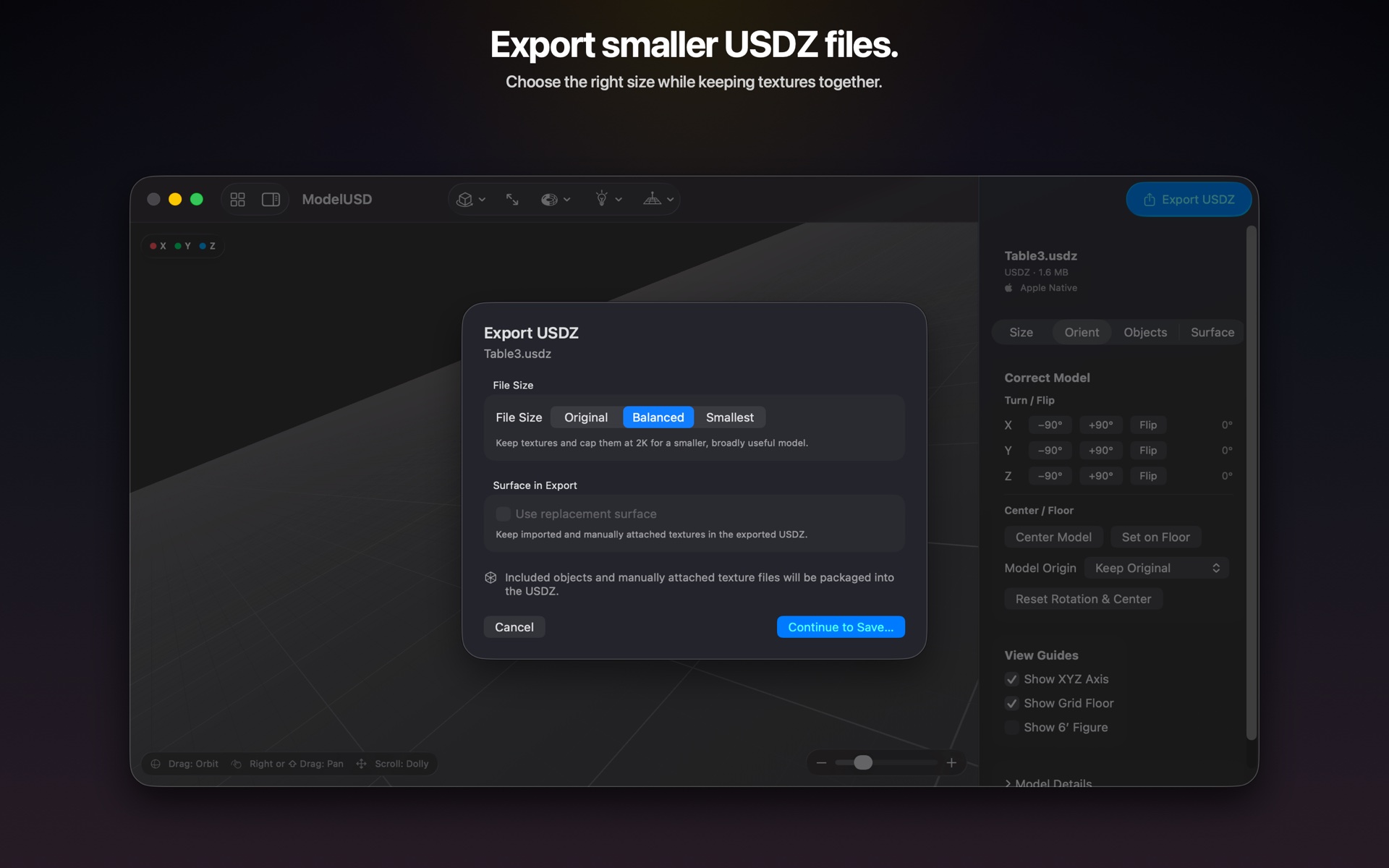
Choose the file your next project needs.
Export at Original quality, choose Balanced for a strong everyday result, or prioritize the Smallest practical file. Scale, orientation, object, and texture changes travel with the export.
Work in familiar measurements.
See width, height, and depth in feet and inches, inches, centimeters, millimeters, or meters. Enter a new value for any dimension and ModelUSD scales the entire model proportionally.
Correct orientation and placement.
Turn or flip along any axis, recenter the origin, and place the model directly on the floor. A persistent grid and optional XYZ guides keep the model understandable in 3D space.
Keep only what you need.
Inspect the separate objects inside an imported file and remove unnecessary parts before export.
Inspect the model clearly.
Switch between shaded, textured, solid, and wireframe views. Review meshes, vertices, triangles, materials, textures, objects, and animation information.
Open. Check. Correct. Export.
The focused workflow keeps the model large, the controls clear, and every change visible before export.