
Vectorworks Studio
Draft. Model. Communicate.
Tutorials and resources for scenic work—from your first drawing to the published set.
Find your starting point.
Learn a scenic-design workflow.
Follow an ordered introduction to the interface, Layers, Classes, drafting, dimensions, sheets, and output.
19 existing video tutorialsChoose a learning path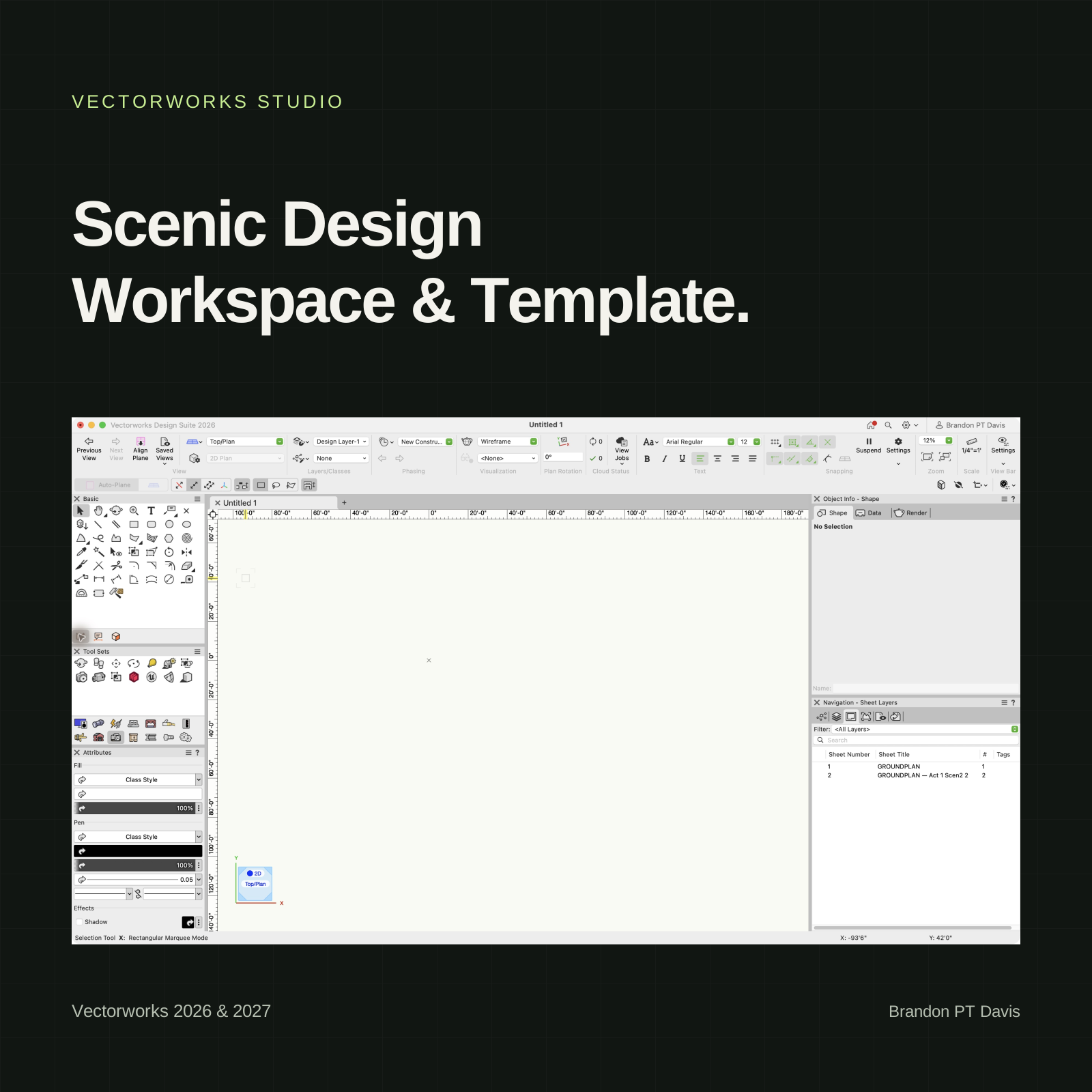
Scenic Design Workspace & Template
A minimal workspace puts a scenic designer’s most-used tools first. The template contains a basic scenic drafting system developed from USITT drafting standards. The guides explain how to use them together.
Vectorworks 2026 & 2027Explore the workspace & template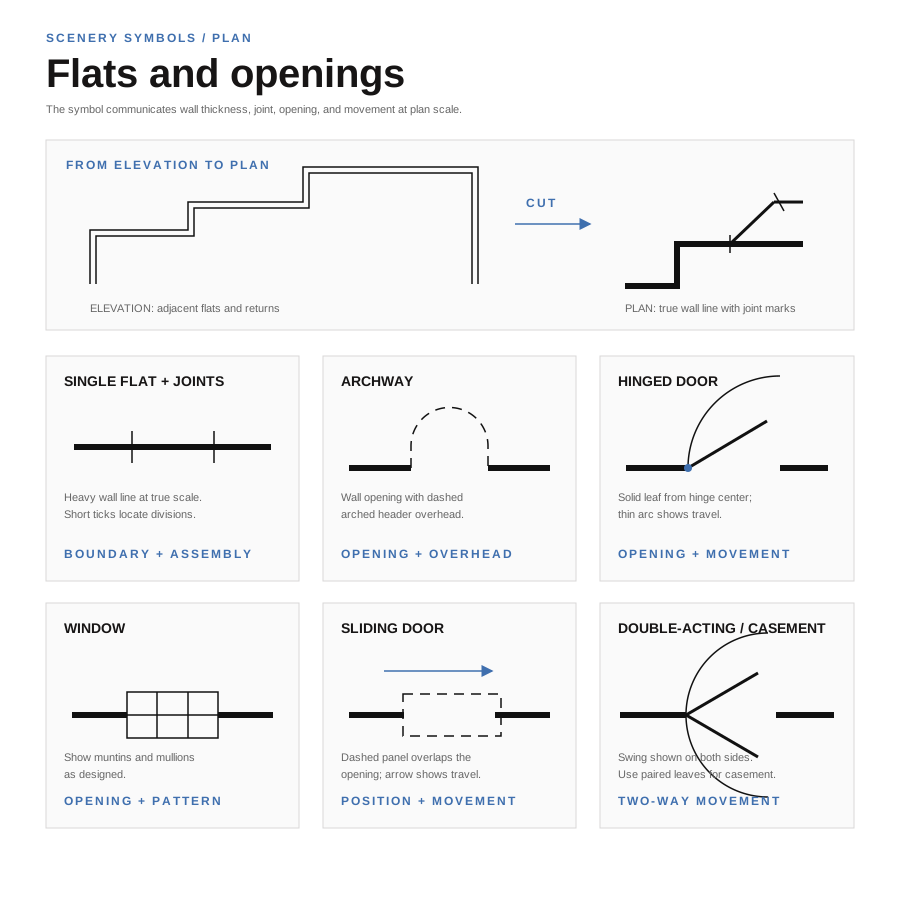
Illustrated drafting guide
Scenic Drafting Graphics
Make every line mean something. Explore the line weights, symbols, and drawing conventions developed from USITT drafting standards.
Your reference for reading and making clear scenic drawings—and the graphic language behind the Scenic Design Template.
Explore the illustrated guideKeep your workflow organized.
Tools, shortcuts, and file setup for working in Vectorworks.
Tools & hotkeys
Find tools and shortcuts by task, including drawing, editing, modeling, and annotation.
Read the hotkey guideDownload PDFVectorworks setup & file standards
Organize project files, layers, Graphics classes, venue references, and published drawing sets with the Scenic Design Template.
Explore Graphics classesRead the setup & file standardsDownload PDFExplore a technique.
Jump to a useful lesson, or work through the learning paths in order.
 Drawing organization · 9:47 video
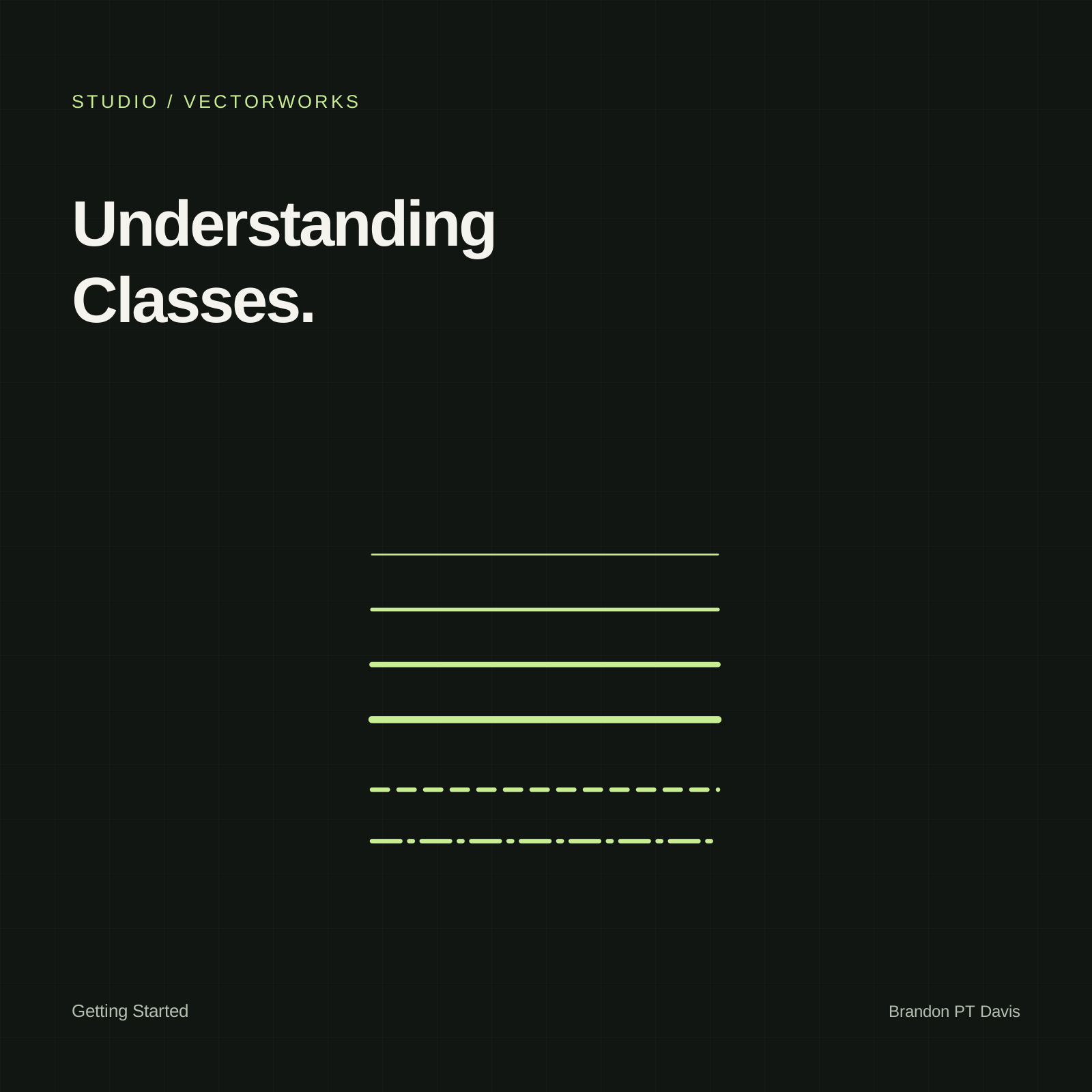
Control your drawing with Classes
Use Classes to organize objects and manage their graphic attributes.
Open lesson Modeling · 37:48 video
Model a table
Build a piece of furniture with sweeps, textures, and hybrid symbols.
Open lesson Output · 3:28 video
Prepare a full-size drawing PDF
Export a 24 × 36-inch drawing sheet without a plotter.
Open lesson