
Publishing Vectorworks Renderings for Presentation
A publishing workflow for exporting finished Vectorworks renderings as presentation-ready images without keeping heavy live viewports in the file.
25 articles tagged Vectorworks
Clear filters × A publishing workflow for exporting finished Vectorworks renderings as presentation-ready images without keeping heavy live viewports in the file.

A scenic rendering workflow for comparing the same model across render looks, building a lighting layer, and choosing Renderworks settings with intention.
A camera setup workflow for scenic renderings in Vectorworks: create a visualization layer, place the camera, frame the shot, and turn the view into a renderable viewport.
A practical rendering workflow for keeping Vectorworks scenic files responsive by managing imported models, USDZ handoffs, mesh cleanup, texture size, and final output decisions.

What makes a scenic rendering useful in production: clear visual hierarchy, material logic, and communication choices teams can actually build from.
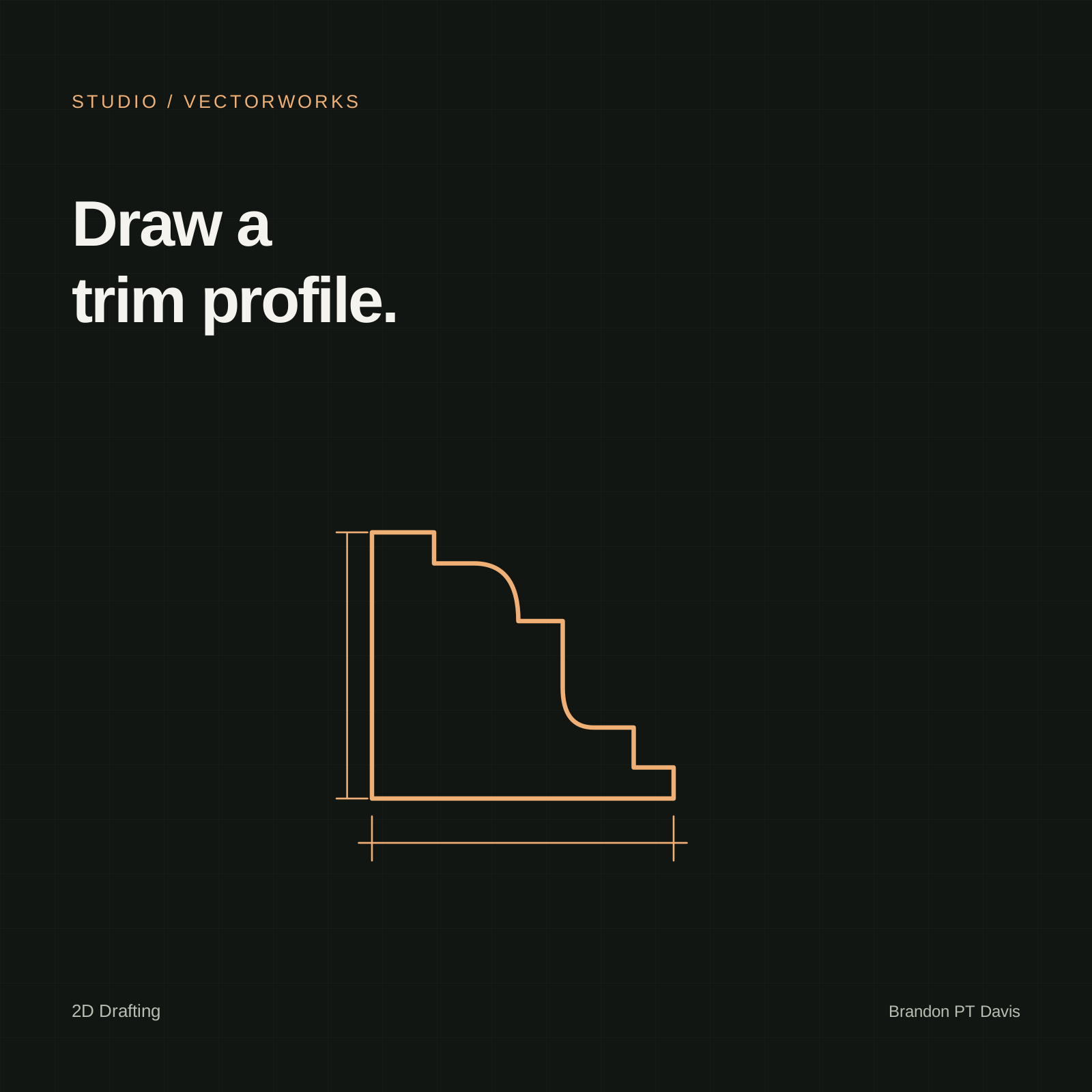
A practical Vectorworks workflow for creating clean, reusable trim profiles with the Polyline tool for scenic drafting and production packages.
Learn how 3D and hybrid models become readable 2D construction documents through viewports, render modes, sections, details, annotations, and publishing.
Learn how staged lighting, camera framing, viewport linking, Renderworks styles, and export settings create a finished presentation rendering.
Learn how a real reference becomes a disciplined 3D table model through scaling, traced profiles, sweeps, extrudes, textures, and hybrid symbol creation.
Learn how to create a single 24x36 PDF without a plotter by setting the sheet size and publishing the full printable area to one page.
Learn how the 3D tool palette creates and edits primitives, faces, edges, extracted surfaces, fillets, chamfers, tapers, deforms, and shell solids.
Learn how render modes, mapping types, scale, shader settings, face assignment, and lighting shape believable Vectorworks textures.
Learn how hybrid symbols pair detailed 3D geometry with simplified 2D Top/Plan graphics for reusable drawing and modeling assets.
Learn the foundational 3D modeling operations in Vectorworks: Extrude, Add Solids, Subtract Solids, Intersect Solids, Section Solids, Multiple Extrude, Sweep, Split, and Extrude Along Path.
Learn how viewport annotations, labels, dimensions, markers, detail viewports, and publishing settings turn drafted views into readable documentation.
Learn how 2D symbols behave in the Resource Manager and drawing, including grouped and page-based behavior, instance scaling, and definition editing.
Learn how the Resource Manager organizes, previews, imports, filters, and applies reusable Vectorworks resources.
Learn how core 2D edit and modify commands reshape, mirror, offset, split, connect, transform, combine, and duplicate geometry efficiently.
Trace, scale, and save a crown molding profile as a reusable 2D drafting symbol in Vectorworks.
Learn how sheet layers turn design-layer drawings into printable documentation through viewports, crops, title blocks, labels, and scale controls.
Learn the foundational 2D drafting tools in the Vectorworks Basics palette, including selection, navigation, annotation, shapes, and tool modes.
Learn how a shared Vectorworks user folder, workspace, and template standardize tools and document settings for a class or team.
Learn how design layers separate architecture, scenery, and lighting into readable drawing planes with visibility, scale, and stacking-order control.
Learn how classes control object appearance, attributes, hierarchy, and visibility across a scenic drafting file.

Learn the Vectorworks interface through menus, palettes, view controls, coordinate axes, and the tools scenic designers use most often.
Portfolio guide
Ask Brandon’s portfolio